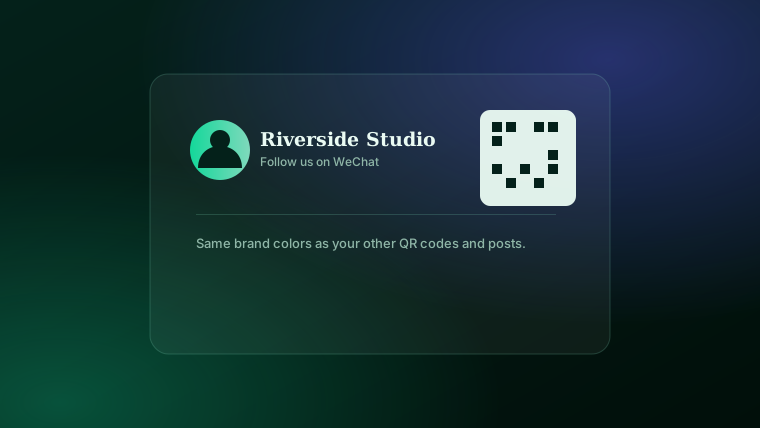
If a meaningful share of your customers are Chinese travelers, students, or residents, there's a good chance WeChat is how they'd actually prefer to stay in contact — more than email, and often more than a phone number. A QR code is how that happens in practice: scan, and you're connected.
Why it's worth doing
Outside of China, plenty of businesses default to collecting an email address for follow-up — but for a customer whose daily messaging habit is WeChat, that's an extra step they may just skip. A WeChat QR code removes the friction: they scan it with the app they already have open, and the connection is made in one step, right at the counter, table, or checkout.
How it's actually made
There's nothing special about the QR code format itself here — a WeChat QR code is generated exactly the same way as any other QR code. The only thing that changes is the destination: instead of a website or a booking page, the code points to your WeChat profile or contact link. Any general-purpose QR code generator that supports custom colors and a logo will produce one that looks like the rest of your marketing, not a plain black-and-white afterthought.
Where to put it
- On the receipt — the moment right after a purchase, when a customer already has their phone out.
- On a table tent or counter card — for restaurants and retail, a small branded card alongside your other social icons.
- On a thank-you or loyalty card — handed out at checkout, so it's something they take with them.
- Alongside your other social QR codes — on a flyer or window decal, so customers can pick whichever platform they actually use.
Make a branded QR code for any profile or link.
WeChat, Instagram, a booking page, or your website — your colors, your logo, real scan tracking.
See pricing →Keep it consistent with your other codes
If you're already using QR codes for your menu, flyers, or business card, it's worth making the WeChat one match — same colors, same logo placement. A customer who's seen your branded QR code once will recognize it again, which builds a small but real bit of trust before they've even scanned it. See the complete guide to custom QR codes for how the styling options work, or printable QR codes for menus & flyers if you're putting it on physical print pieces too.
The bottom line
A WeChat QR code isn't a special technical feature — it's a regular, brandable QR code pointed at the right destination for the customers you're trying to reach. If WeChat is where a real slice of your audience already lives, making it easy to connect there is a small, low-effort addition to whatever QR codes you're already using.
Frequently asked questions
Why would a business outside China want a WeChat QR code?+
WeChat is the default way many Chinese travelers and customers stay in touch with a business — a hotel, restaurant, tour operator, or retailer that wants to keep in contact after the first visit often finds a WeChat QR code gets scanned far more than asking for an email address.
Can I make my WeChat QR code match my brand colors?+
Yes — a general-purpose QR code generator that supports custom colors and a logo will apply the same styling whether the destination is your website, your booking page, or your WeChat profile link.
Where should I put a WeChat QR code?+
Anywhere a customer already has their phone out and a moment to spare: the receipt, a table tent, a thank-you card, or next to your other social icons on a flyer or window decal.
Is a WeChat QR code different from a regular QR code?+
Not in how it's made. The code itself works the same way as any other QR code — the only difference is what it links to. A general QR code generator can point at a WeChat profile link exactly the same way it points at a website or contact card.
Can I track scans on a WeChat QR code?+
Yes, if it's a dynamic, tracked code — you'll see the country, device, and time for every scan, the same as any other QR code you generate.